
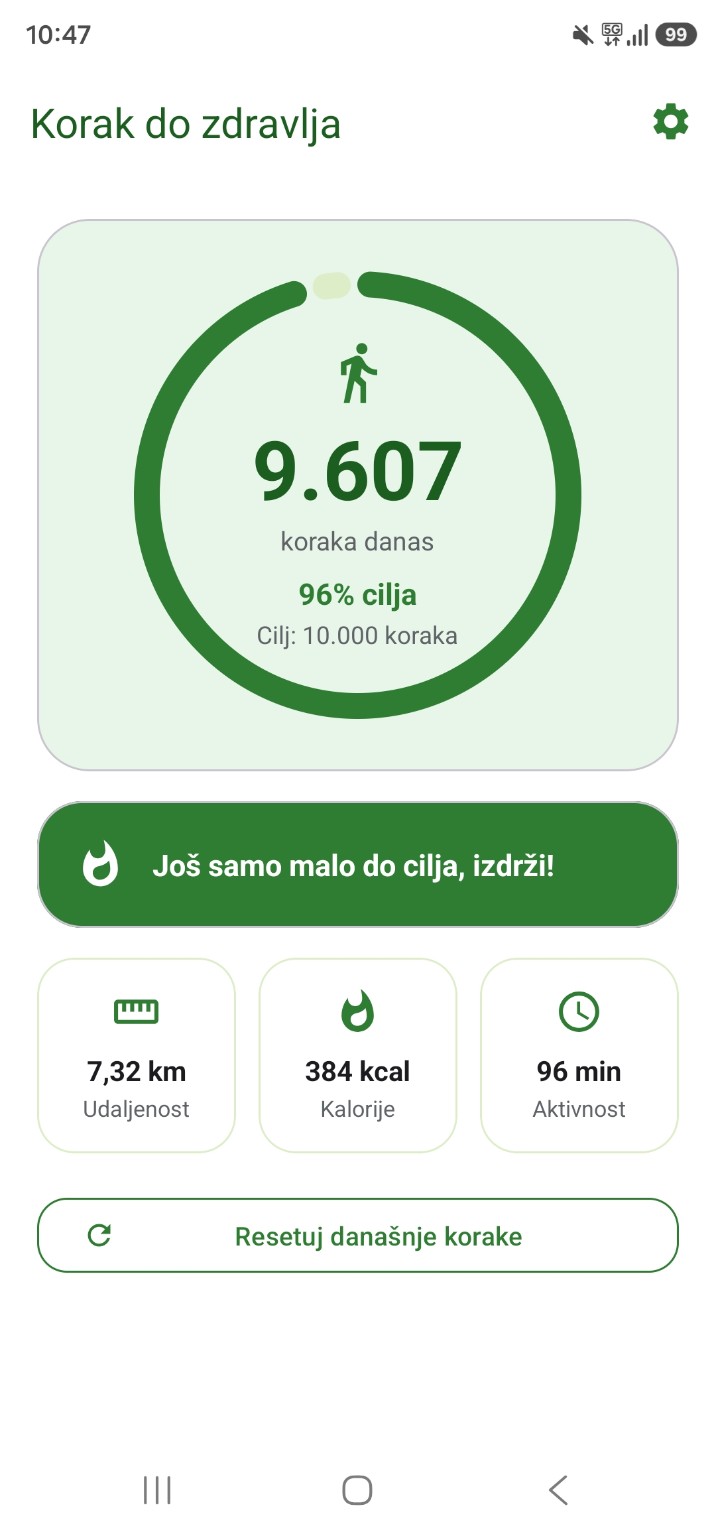
Korak do zdravlja
A step counter with no subscriptionPublished
A simple step counter with a daily goal and a weekly overview. Works offline, no account needed.
How to install the APK
- Tap the download button. The browser will ask for confirmation — confirm it.
- Open the downloaded file: the notification at the top of the screen, or Files → Downloads.
- Android will say that installing from this source is not allowed. Open Settings, turn on “Allow from this source” and go back.
- Tap Install.
- If Play Protect appears, tap “Install anyway” — the app is new and Google does not know it yet.
An app installed this way does not update itself — download new versions from this page.